
In the current era of the internet-enabled world, communication goes beyond the boundaries of office walls. Employees work across different cities, even countries and time zones; hence, the importance of reliable communication software cannot be overemphasized. Even with the popularity of Slack as workplace messaging software, businesses today have shifted their interests to software that offer more in terms of cost-effectiveness, security features, project management tools, and better usability.
The best communication software should not only enable conversations but also collaboration, file sharing, project management, conducting meetings, and maintaining productivity irrespective of one’s location.
There exist some great options for alternative messaging software depending on whether you own a startup, small business, medium organization, or big company with complex requirements.
Why Businesses Are Looking Beyond Slack
Slack is a prominent means of communication, although it might not be the right one for everyone. As companies expand, their needs in terms of communication change, and they start looking for something more tailored to their needs.
Common reasons businesses switch from Slack include:
- Higher costs for larger teams
- Need for integrated project management
- Better video conferencing features
- More advanced security controls
- Self-hosted deployment options
- Simplified communication structure
- Stronger productivity integrations
- Better support for remote collaboration
Choosing the right platform can significantly improve team efficiency and communication.
1. Microsoft Teams – Best for Microsoft 365 Users
Microsoft Teams is an all-in-one collaboration and communication software package that combines team chats, video meetings, file storage, and productivity tools. It works perfectly well within the Microsoft 365 environment, making it suitable for any organization that utilizes Microsoft products.
Key Benefits: Built-in video conferencing | Deep Microsoft 365 integration | Shared file collaboration | Enterprise-grade security | Team and department channels
Ideal For: Businesses already using Microsoft 365 applications such as Outlook, Word, Excel, and SharePoint.
2. Google Chat – Best for Google Workspace Teams
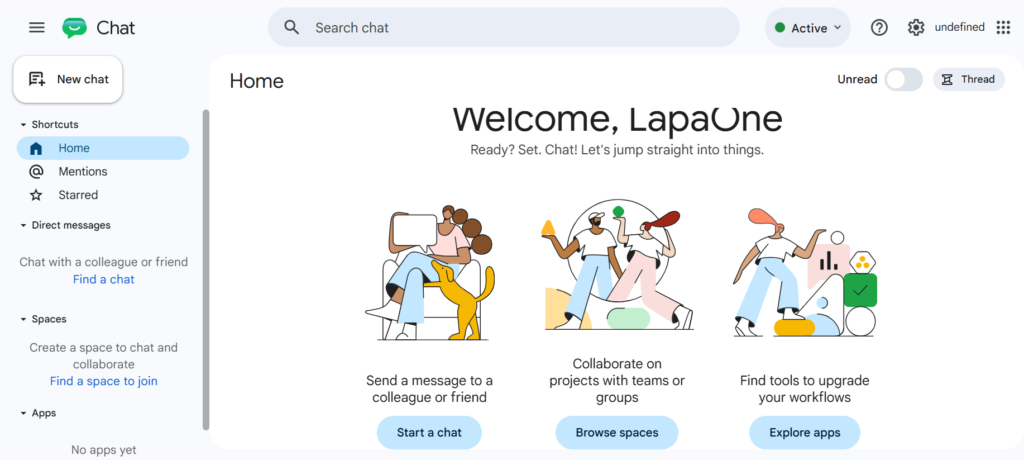
Google Chat tool is a sophisticated means of communicating among organizations that utilize Google Workspace. The tool facilitates instant messaging, collaboration, file sharing, and integration with other Google tools such as Gmail, Google Drive, Google Meet, and more.
Key Benefits: Google Workspace integration | Real-time team messaging | Easy file sharing | Google Meet connectivity | Simple collaboration tools
Ideal For: Businesses operating entirely within Google’s ecosystem.
3. Discord – Best for Creative and Community-Based Teams
Discord is a flexible form of communication tool providing voice chat, video chatting, text messaging, and community management facilities. The initial target audience for Discord was gamers; however, its usage has now become widespread amongst other professional groups.
Key Benefits: Voice and video channels | Community management features | Screen sharing capabilities | Flexible communication structure | High-quality audio communication
Ideal For: Creative agencies, startups, remote communities, and digital-first teams.
4. Rocket.Chat – Best Open-Source Slack Alternative
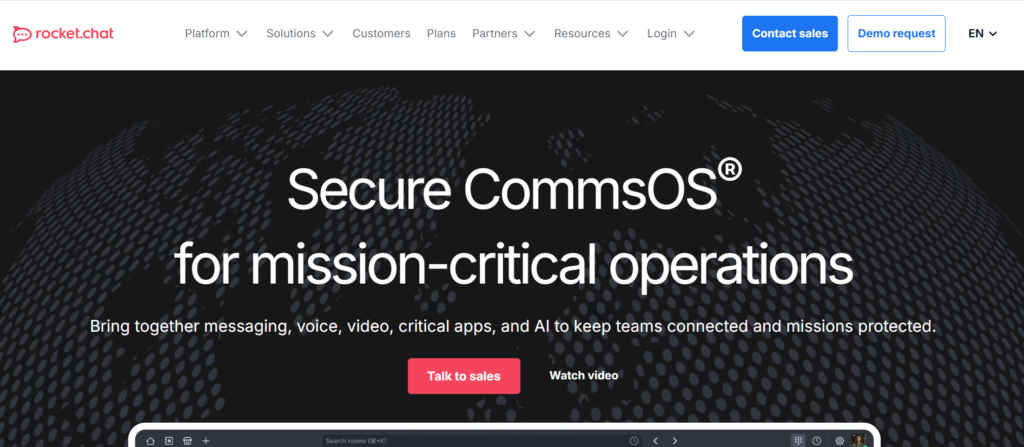
Rocket.Chat is an open source software suite for team collaboration which offers total control of the company’s data and infrastructure. It is very flexible due to its capabilities to be hosted internally and customizable features.
Key Benefits: Self-hosted deployment | Open-source flexibility | Advanced security controls | Complete data ownership | Custom integrations
Ideal For: Businesses requiring strict privacy, compliance, and customization.
Hire Digital Marketing Experts for Business Growth
Partner with LapaOne today for result-driven digital marketing strategies that increase visibility, generate quality leads, and support long-term growth.

5. Mattermost – Best for Technical Teams
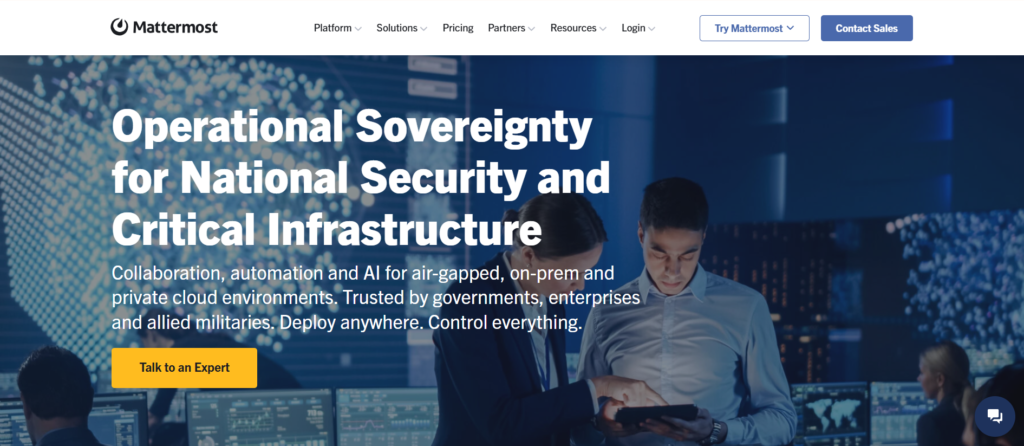
Mattermost is a platform for collaborating and communicating that is highly secure. It is designed for technical teams and enterprises. Some of its features include workflow automation, private hosting, enhanced security features, and integrations.
Key Benefits: Private cloud deployment | Secure team communication | Workflow automation | Developer-friendly integrations | Compliance-focused security
Ideal For: Software companies, IT teams, and enterprise organizations.
6. ClickUp Chat – Best for Teams Managing Projects
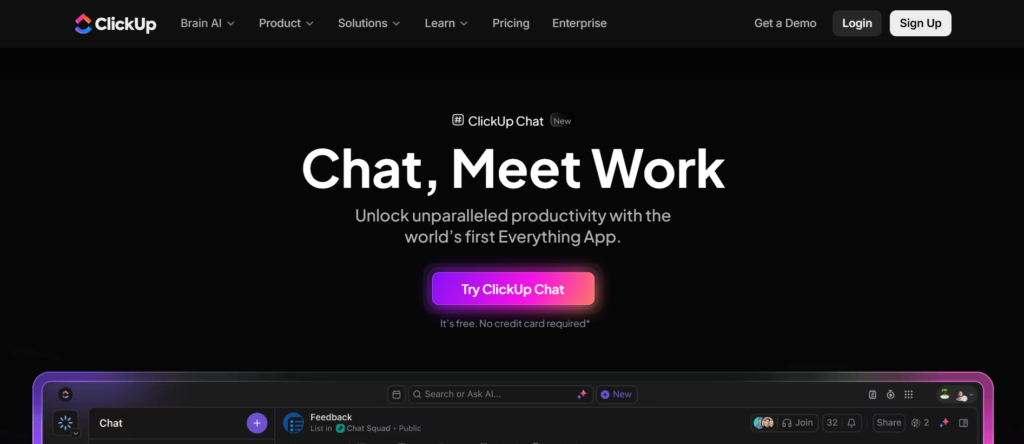
ClickUp Chat brings together team communication and project management where users can engage in task discussions, sharing updates, and project collaboration without using various different software tools.
Key Benefits: Integrated team chat | Task and project management | Document collaboration | Workflow visibility | Reduced tool switching
Ideal For: Marketing agencies, startups, and project-driven organizations.
7. Zoho Cliq – Best Budget-Friendly Business Communication Tool
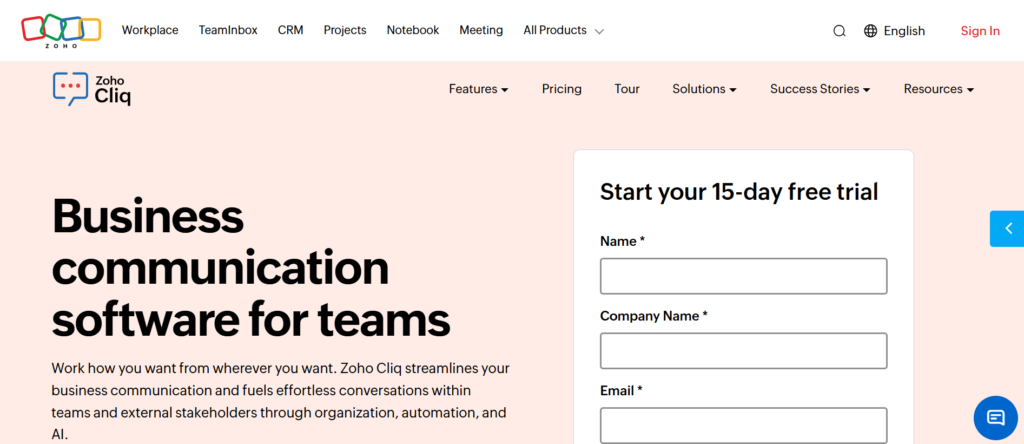
Zoho Cliq is a business communication platform that streamlines teamwork through messaging, video conferencing, automation, and integrations. Zoho Cliq assists businesses to become more productive and maintain effective communication channels internally.
Key Benefits: Business messaging | Voice and video calls | Workflow automation | Zoho ecosystem integration | Affordable pricing
Ideal For: Small and medium-sized businesses.
8. Chanty – Best for Simplicity
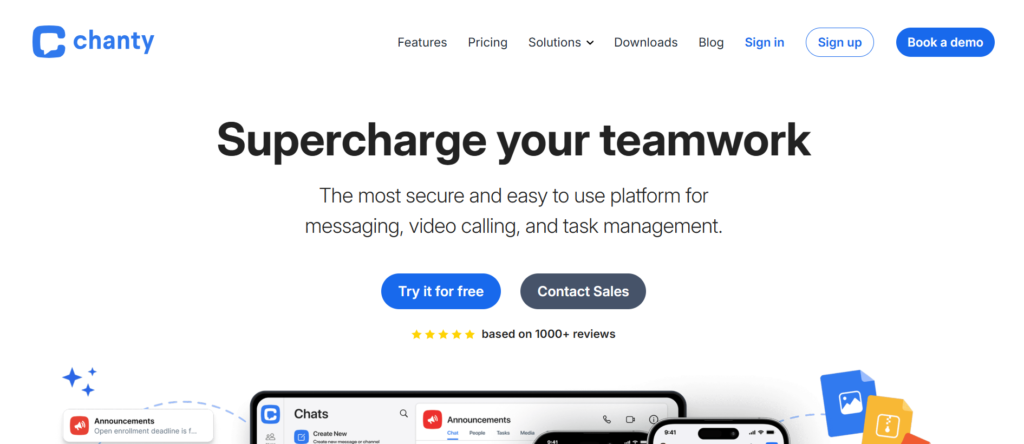
Chanty is a user-friendly business communication tool that is meant to make business communication easier. This software includes messaging, task management, making voice calls, holding video conferences, and exchanging files.
Key Benefits: Unlimited message history | Built-in task management | Voice and video communication | User-friendly interface | Fast team onboarding
Ideal For: Small businesses and growing teams.
9. Flock – Best Productivity-Focused Alternative
Flock is a collaboration and communication tool for teams which enables companies to enhance conversations, file sharing, meetings, and productivity management. It provides built-in productivity functions for improved communication at work.
Key Benefits: Team messaging channels | Video conferencing support | Shared to-do lists | Polls and reminders | Productivity-focused collaboration
Ideal For: Organizations looking to improve collaboration and productivity simultaneously.
10. Twist – Best for Remote and Asynchronous Teams
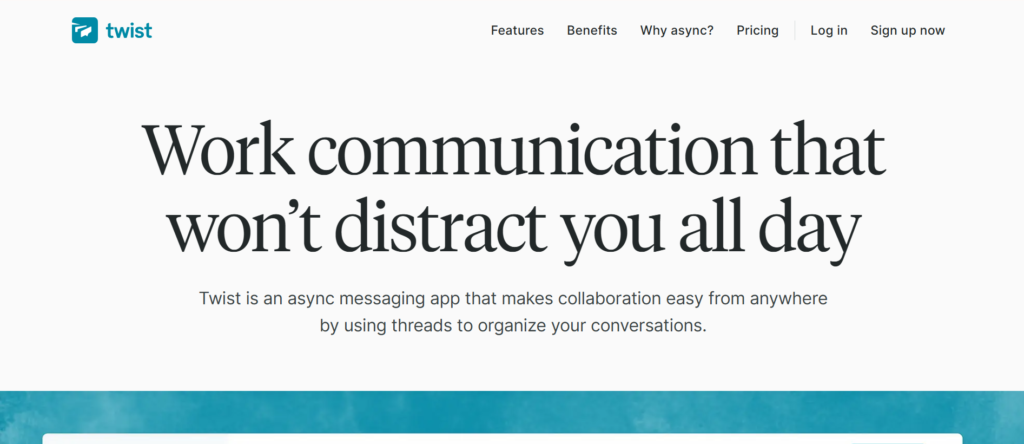
Twist is an asynchronous communication platform specifically built for remote teams. The use of threads as the foundation of all conversations in Twist ensures that teams can communicate efficiently without any interruptions.
Key Benefits: Thread-based conversations | Reduced notification overload | Organized team discussions | Better knowledge retention | Remote-first communication
Ideal For: Remote-first companies and distributed teams.
Hire Digital Marketing Experts for Business Growth
Partner with LapaOne today for result-driven digital marketing strategies that increase visibility, generate quality leads, and support long-term growth.
Comparison Table
| Platform | Best For | Video Meetings | Project Management | Self-Hosted |
|---|---|---|---|---|
| Microsoft Teams | Enterprises | Yes | Limited | No |
| Google Chat | Google Workspace | Yes | Limited | No |
| Discord | Creative Teams | Yes | No | No |
| Rocket.Chat | Privacy-Focused Teams | Yes | Limited | Yes |
| Mattermost | Technical Teams | Yes | Limited | Yes |
| ClickUp Chat | Project Management | Yes | Yes | No |
| Zoho Cliq | SMBs | Yes | Limited | No |
| Chanty | Small Teams | Yes | Basic | No |
| Flock | Productivity Teams | Yes | Basic | No |
| Twist | Remote Teams | No | No | No |
How to Choose the Best Slack Alternative
Before selecting a communication platform, evaluate:
Team Size
A startup with five employees has different needs than an enterprise with five hundred users.
Budget
Consider both current and future subscription costs as your team grows.
Security Requirements
Industries such as healthcare, finance, and technology often require stricter security standards.
Integrations
Choose software that integrates with your existing tools and workflows.
Collaboration Needs
Determine whether your team primarily needs messaging, video conferencing, project management, or all three.
Scalability
Select a platform that can grow alongside your business.
The Future of Team Communication
The contemporary workplace is ever-evolving. Hybrid workplaces, remote teams, and international collaborations have changed the way business is done. The most effective means of communication integrates features such as messaging, meetings, file transfers, automation, and project management all into one.
Businesses that invest in the right communication infrastructure often experience:
- Faster decision-making
- Improved collaboration
- Increased productivity
- Better employee engagement
- Enhanced customer service
- Stronger operational efficiency
Slack Alternatives: FAQs
Businesses often explore Slack alternatives for lower costs, better integrations, enhanced security, built-in project management features, and improved collaboration for remote or hybrid teams.
Microsoft Teams, Google Chat, Discord, and Twist are among the best Slack alternatives for remote teams, offering messaging, collaboration, file sharing, and communication tools.
Yes. Several platforms, including Discord, Google Chat, Microsoft Teams, Rocket.Chat, and Chanty, offer free plans that support team communication and collaboration.
Evaluate your team size, budget, security requirements, integrations, collaboration needs, and scalability to select a platform that best supports your workflow.
Final Thoughts
Identifying the best Slack alternative is not just about finding an alternative to the messaging platform but rather selecting a system that aligns with your organization’s method of communicating and meeting their future business needs.
Depending on whether it is the corporate features of Microsoft Teams, the straightforwardness of Google Chat, the adaptability of Rocket.Chat, or the task-focused strategy of ClickUp Chat, you will find a perfect fit for any type of company out there.
Through a proper evaluation of the needs of your employees and how they communicate, you will manage to integrate a messaging platform that fosters communication within teams and ensures success.